Plan an International Meeting Without Losing the Date
A useful international invitation gives every participant both a local date and a local time. The task is not finished when two clock readings look reasonable. Check the calendar day, seasonal rules and the actual appointment before sending the invitation.
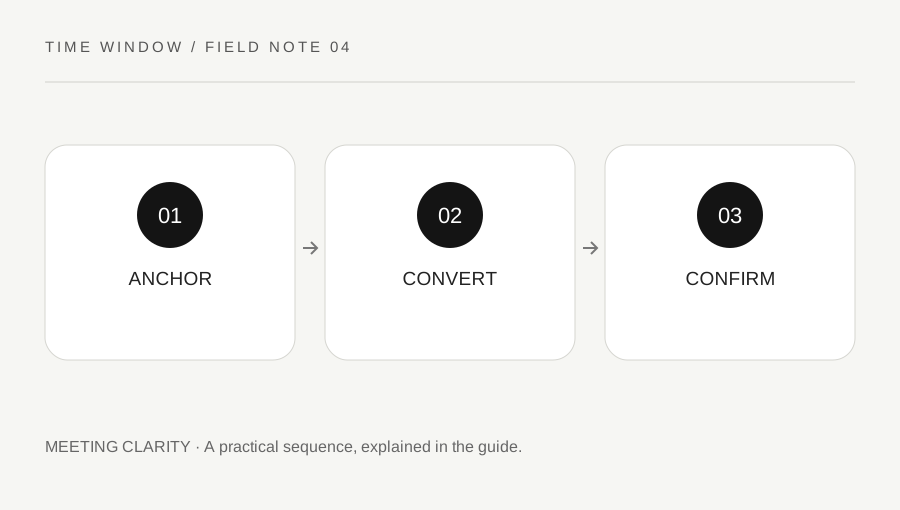
Original explanatory diagram. Numerical examples in this guide illustrate the reasoning; they are not a claim of hands-on testing.
Choose the organizing location
Decide which location's local time defines the meeting. This might be the host's office, the venue or the person who cannot move their appointment. Write a full date and a specific IANA zone for that location. Avoid starting with a short abbreviation or the phrase “my morning,” which requires the recipient to infer too much.
For a remote meeting with no natural host zone, choose an agreed reference and say so. The purpose is not to privilege one participant; it is to make later changes interpretable. A recurring appointment needs an additional decision about whether the host's local hour stays fixed as clocks change.
Convert one date at a time
Enter the organizer's local date and clock reading, then select each destination zone in turn. Read the destination date before reading the hour. A conversion can land on the previous or following day, and a friendly-looking hour can conceal a weekday mismatch. Do not carry a mental offset across the whole year.
Our converter shows a full destination date and the matching UTC instant. If the source local time is skipped, choose another time with the organizer. If it repeats, confirm which occurrence is intended. A destination display is only meaningful after the source appointment has been resolved into a specific instant.
Use a date-crossing worked example
Consider an illustrative call at 18:00 UTC on January 15. A destination at UTC+09:00 reads 03:00 on January 16, not 03:00 on January 15. The three-hour reading alone hides the more important date change. In an invitation, show “January 16, 03:00” beside the destination location.
Then ask whether the time is practical. Correct arithmetic does not make an overnight meeting convenient. If you move the organizer's start time, recalculate every participant's date rather than adjusting only the one that prompted the change. The same process applies when the event straddles a month or year boundary.
Confirm duration and recurring behavior
State the meeting duration separately from the start instant. A two-hour meeting can end on a different local date from the start, especially near midnight. If a daylight-saving transition occurs during the meeting, elapsed duration and the apparent difference between wall-clock readings can diverge. For such unusual scheduling, use a calendar application that preserves the exact instants.
For a weekly series, inspect sample occurrences before and after each relevant region's clock change. Different regions can change on different dates or not change at all. A stable host-local hour can therefore shift for other participants for only part of the season. Communicate those changes as specific dates, not as a permanent new offset.
Send a reproducible invitation
Include the event title, full date, start time, named organizer zone, duration and a calendar invitation or clear UTC reference. Ask participants to check that their calendar displays the expected local date. A screenshot can be helpful, but it should not replace machine-readable invitation details or written dates.
Before a consequential event, confirm the latest schedule with the host and check for announced time-zone rule changes. Our browser-based converter does not contact the organizer or guarantee that your device has the newest zone data. Keeping the original reference and confirmed instant makes a later correction much easier than reconstructing a chain of informal time messages.
A practical checklist
Tick items for your own use. This checklist is saved only in this browser.
Questions that come up
Should I send only the UTC time?
UTC can provide a precise common reference, but include the organizer’s local date and zone as context. Give participants a proper calendar invitation so they can check their own display and date.
Why does a weekly call shift for only a few weeks?
Participants’ regions may change their clocks on different dates. Recalculate the actual occurrences and state the affected dates rather than assuming a permanent offset between the cities.
Does the converter send invitations?
No. It calculates locally and shows a result. Create the event in your chosen calendar application, confirm the displayed occurrences and send invitations through that application.
References & scope
Background references checked on 18 October 2026. The examples and practice exercises are original editorial explanations, not copied procedures or professional advice.