All-Day Events: Keep a Calendar Date Distinct from a Midnight Appointment
An all-day birthday or observance can describe a date rather than an instant at midnight. Turning every date into a timestamp can make it appear on another day in another zone. Preserve the event’s intended type before troubleshooting its display.
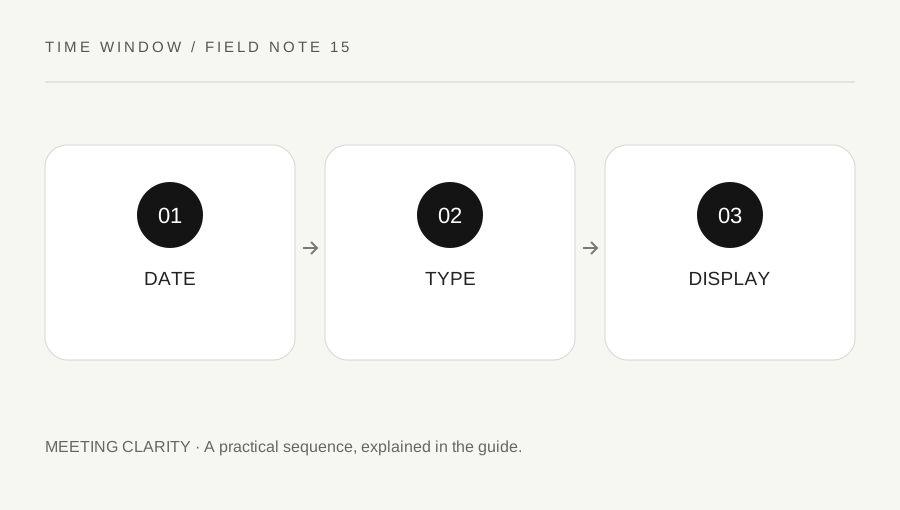
Original explanatory diagram. Numerical examples in this guide illustrate the reasoning; they are not a claim of hands-on testing.
Ask whether the event is an instant
A meeting at midnight in a named zone identifies a timed appointment once ambiguity is resolved. An all-day calendar item can instead identify a date or range of dates without a clock time. These are different data types even when an application initially displays both in the same calendar cell.
Ask the organizer which meaning is intended. A global broadcast starting at a particular instant needs a timed event. A personal date reminder may be better represented as an all-day item. Do not add a zone or a midnight time merely because a database field expects one; that conversion can introduce meaning the source did not have.
Inspect the calendar’s event details
Use the application's supported interface to check whether the item is marked all-day and how its date range is represented. The iCalendar format distinguishes date values from date-time values. Its date-only handling is not simply a display trick applied to an arbitrary midnight timestamp.
Preserve the original invitation or export while investigating. A date-only item imported as a timed UTC event can display on an adjacent local date. Manually moving the visible item without correcting its type can leave another device showing a different error. Consult the relevant software documentation when an import changes the event's meaning.
Compare two concrete records
Consider the date January 15 as an all-day reminder. Now consider the instant January 15 at 00:00 UTC. A location behind UTC can display that instant on January 14. That does not mean the date-only reminder should also move; the two records have different semantics.
When testing a calendar migration, create one clearly labeled all-day sample and one clearly labeled timed midnight sample. Compare them on devices using different display zones. Check both the event type and the date rather than judging only the grid's appearance. A successful test preserves the intended distinction, not merely one convenient screen layout.
Check range endpoints explicitly
Multi-day all-day ranges can use an exclusive end boundary in calendar formats. An event shown through Friday may therefore store an end date at the start of Saturday under the applicable representation. Do not infer the user-visible count from the raw end date without reading the format and application behavior.
For an import or export check, use a short known range and compare the displayed days with the original intention. Keep endpoint policy separate from the distinction between date and timestamp. Our date counter can help check inclusive date lists, but it does not parse calendar files or decide how another application encodes their ranges.
Correct meaning before appearance
If an all-day item has become a timed event, use the application's proper event-type correction process and confirm how updates propagate. If you are only a recipient, ask the organizer to correct the authoritative version where needed. Duplicating events in several calendars can make later changes difficult to track.
Document the original type, intended dates and corrected representation. The site converter accepts a local date and clock time to identify an instant; it is not the right operation for moving a date-only anniversary between zones. Choosing the correct data type first prevents an unnecessary time-zone conversion from creating a problem that did not exist in the original reminder.
Keep the original date-only record available during this check so a temporary display correction does not become the only surviving source.
A practical checklist
Tick items for your own use. This checklist is saved only in this browser.
Questions that come up
Should every all-day item be stored at midnight UTC?
No. A date-only item and a midnight UTC instant have different meanings. Preserve the intended type using the calendar application’s supported representation.
Why does my reminder show the previous day?
It may have been imported as a timed event and converted into a local zone. Check its type and original source before moving it manually.
Can this converter move an all-day birthday?
The converter works with timed local readings. A date-only birthday usually needs no instant conversion; inspect the calendar’s all-day handling instead.
References & scope
Background references checked on 18 October 2026. The examples and practice exercises are original editorial explanations, not copied procedures or professional advice.