Across the Date Line: Compare Full Dates Before Comparing Clock Times
Two locations can share a similar clock reading while using different calendar dates. A reliable comparison follows one instant into each location’s full date and time. Do not try to recover the date afterward from a remembered hour difference.
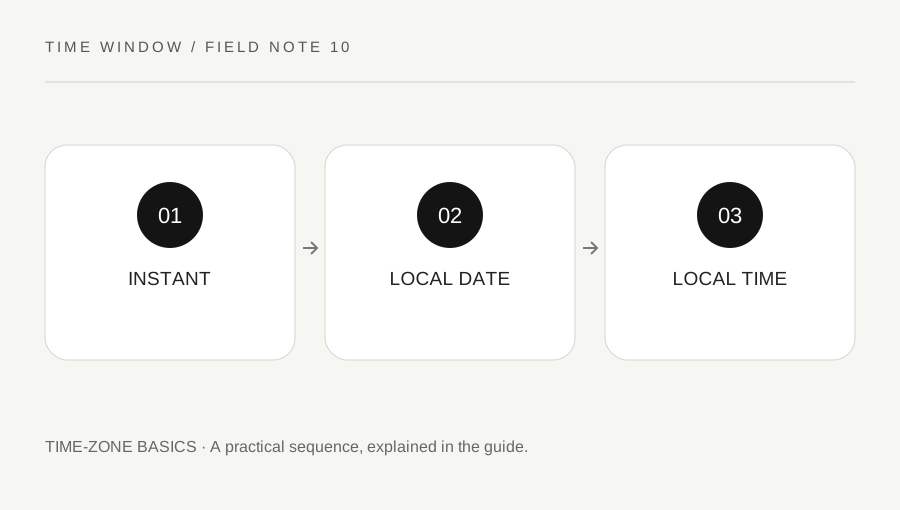
Original explanatory diagram. Numerical examples in this guide illustrate the reasoning; they are not a claim of hands-on testing.
Begin with a confirmed instant
Use the full source date, local time and named zone. Once a single instant is established, the destination zone supplies its corresponding local date and clock reading. The conversion does not move the event through time; it changes the civil-time label used to describe that instant.
A large offset difference can make the destination date the previous or next day. The source weekday is therefore not enough. If a message says Friday at eight without identifying the reference location and date, ask for that context before converting. A familiar city pair can still have different seasonal behavior from the offset you remember.
Read the date before the hour
Our converter displays a full destination date to encourage this check. Compare year, month and day first, then the clock reading and zone. Around New Year, an apparently simple hour conversion can cross the year boundary. Around the end of a month, it can produce a different month as well.
Do not add a fixed day automatically whenever you see a distant Pacific location. The outcome depends on the actual source instant and offsets. Use the named destination zone and the specific date. Time-zone boundaries and civil rules are administrative choices, so a rough geographic intuition is not an adequate conversion method.
Use a fixed-offset teaching example
Take an illustrative instant at 2026-01-15 12:00 UTC. A display at UTC+14:00 reads January 16 at 02:00. A display at UTC−10:00 reads January 15 at 02:00. The clock readings match, but the dates differ by one day. This example shows why a screenshot containing only 02:00 can be misleading.
For an actual location, do not choose a fixed offset merely because it makes the example work. Select its IANA zone and confirm the returned date. When two people compare notes, include the source UTC reference or a proper calendar invitation so they can establish that they are discussing the same instant.
Carry the result into the invitation
Write each destination's local date and time together. If the date differs from the organizer's date, make that difference prominent in the message. A phrase such as “Saturday locally” can help, but it should accompany the complete date rather than replace it. Ask participants to check their calendar display after accepting an invitation.
This guide concerns civil-time interpretation, not travel itineraries. For any scheduled service or consequential appointment, confirm the organizer's published local schedule. The converter follows your browser's installed rules, which can lag recent changes. Preserving the full dates and confirmed instant makes errors easier to detect than relying on a conversational statement that one place is simply a day ahead.
Use date labels in shared records
When comparing several participants, make columns for location, local date, local time and zone. Keep a shared UTC reference in the row. This is clearer than a list of hours beneath country names, particularly when a country spans several zones. If a participant changes location, recalculate their row rather than changing the global event. Check the displayed weekday against the full date as an additional reading aid. A disagreement between the two labels deserves inspection before publication. The row describes one confirmed instant; it should not be reused automatically for later seasonal dates.
A practical checklist
Tick items for your own use. This checklist is saved only in this browser.
Questions that come up
Can two places both show 02:00 on different dates?
Yes. A sufficiently large offset difference can produce the same clock reading on adjacent calendar dates. The full date and zone are essential parts of the comparison.
Does crossing the date line change the instant?
No. A time-zone conversion describes the same instant using another location’s civil clock. The local date label can change even though no time has elapsed during the calculation.
Should I always add one day for a Pacific location?
No. Use the actual source instant and named destination zone. A remembered geographic rule can miss the direction, seasonal offset or current civil-time policy.
References & scope
Background references checked on 18 October 2026. The examples and practice exercises are original editorial explanations, not copied procedures or professional advice.