Epoch Seconds or Milliseconds? Check the Unit Before Converting a Timestamp
A long number called a timestamp is incomplete without its unit and reference system. Seconds and milliseconds differ by a factor of one thousand. A wrong assumption can produce an implausible year or a result that looks valid but describes the wrong instant.
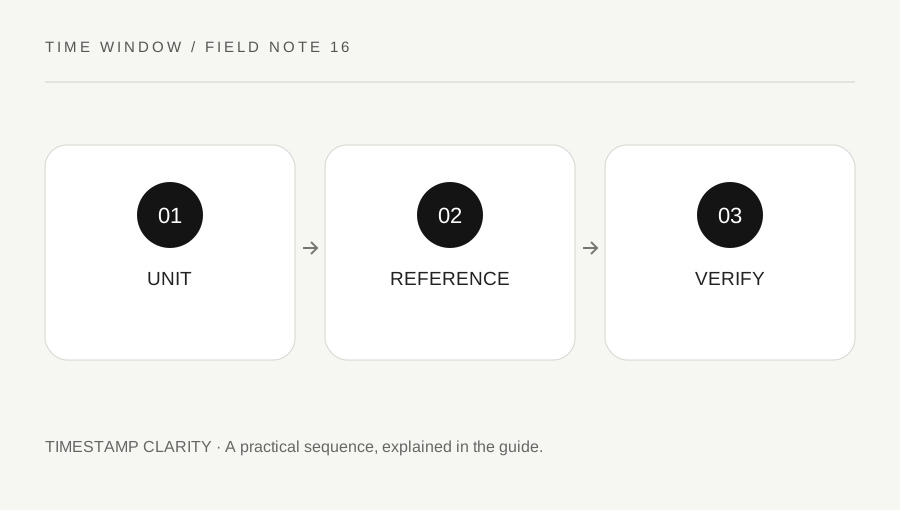
Original explanatory diagram. Numerical examples in this guide illustrate the reasoning; they are not a claim of hands-on testing.
Find the source’s definition
Read the API, file or application documentation for the field. Do not assume every timestamp uses the same epoch or precision. Many common Unix-style values count seconds relative to 1970-01-01T00:00:00Z, while JavaScript Date uses milliseconds relative to that reference. Other systems can use different origins or representations.
Keep the raw value with its documented unit and source. A column heading such as time is not enough. If the documentation is missing, obtain a known sample event and compare candidate interpretations, clearly labeling them as hypotheses until confirmed. The number of digits can suggest a unit in current-era data, but it is not a complete specification.
Convert units once and deliberately
One second contains one thousand milliseconds. To adapt a seconds value to a milliseconds-based interface, multiply by one thousand. To recover seconds from milliseconds, divide by one thousand while preserving any fractional precision required by the source. Do not apply this conversion twice in a chain of imports.
Check how the target system handles fractions and rounding. Dropping a fractional second can matter when ordering rapid events, while a rounded display may conceal differences still present in the underlying value. Keep original precision where needed and document any intentional reduction. A human-readable display is not necessarily the complete stored timestamp.
Use a simple reference test
At the common 1970 UTC reference, both a seconds count and a milliseconds count are zero. One second after that reference is 1 in seconds and 1000 in milliseconds. These small teaching values make the unit relationship clear without relying on the appearance of a contemporary thirteen-digit number.
For a real dataset, compare a known recent event using the documented conversion and display it in UTC first. If the result is wildly old or far in the future, inspect the unit, epoch and parsing type before blaming time zones. A zone conversion changes the local reading of an instant; it cannot repair a thousandfold unit error.
Keep numeric limits and text handling visible
Large integer values and high-precision timestamps can exceed the exact numeric range of some software types. Read the source and target documentation when sub-millisecond precision or very large values matter. Preserve a textual original rather than allowing a spreadsheet to silently round or reformat a long identifier-like number.
Test export and reimport with known values. A scientific-notation display can be harmless presentation or evidence of lost precision, depending on the stored type and operation. Inspect the actual value. Do not infer accuracy merely because the final formatted date includes many digits after the seconds field.
Separate conversion from local interpretation
After the numeric value correctly identifies an instant, choose an explicit display zone. Record the UTC representation alongside any local display used for support or analysis. This makes it easier to distinguish a parsing issue from a normal local offset difference.
Our current calculator converts local date-time readings between zones; it does not accept epoch-number input. This guide helps you inspect external timestamp data and choose the correct operation in suitable software. The essential sequence is source definition, unit conversion, reference check and only then local display. Keeping that order avoids a plausible-looking clock reading masking a basic numeric mismatch.
A practical checklist
Tick items for your own use. This checklist is saved only in this browser.
Questions that come up
Can I identify milliseconds only by digit count?
Digit count can be a clue for contemporary values, but it is not a reliable specification across epochs, dates or systems. Use the source documentation and a known reference event.
Why is the converted year absurd?
Check the unit, epoch, numeric parsing and precision first. A seconds-versus-milliseconds mismatch is a common kind of scale error; changing the display zone will not repair it.
Does this site accept epoch numbers?
The current tools accept calendar dates or a local date and clock time with IANA zones. Use appropriate documented software for epoch input and keep the original value for verification.
References & scope
Background references checked on 18 October 2026. The examples and practice exercises are original editorial explanations, not copied procedures or professional advice.